

Production guide
Granular sound design in Phase Plant: exploring Molekules sources
Watch the complete Molekules overview and turn its sources into dark pads, Foley rhythms, playable synths and vocal sequences with checked tuning.
Inside the bank
Watch on YouTube (opens in a new tab)Video by Black Marvin Published
This overview uses the Phase Plant edition. Its extra effect presets and processing are demonstrated separately; Molekules supplies the source recordings for your own patches.
Start with a recording, then build the instrument
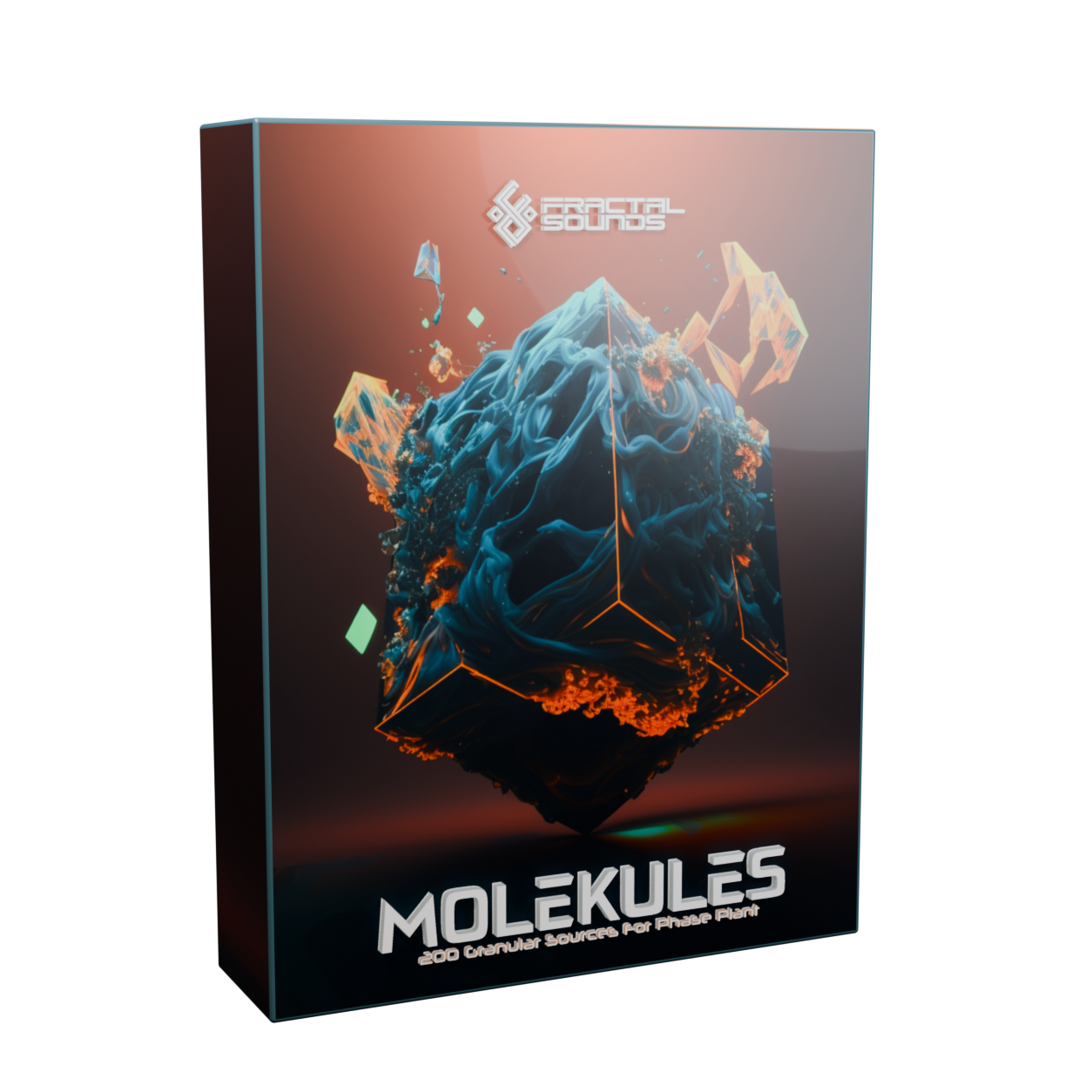
Molekules for Phase Plant contains 200 audio sources in 24-bit FLAC. They were selected for granular exploration, with vocal, synthetic and recorded-object material grouped by character. The library supplies the recordings that begin a patch; your generators, envelopes, modulation and effects determine what they become.
The complete 37-minute overview moves beyond a simple audition. Black Marvin installs the bank, explores its folders and builds short examples along the way. At 2:47, the original installation workflow is to drag the supplied bank file onto Phase Plant, confirm it, then open the Molekules folders from the granular source browser.
Scan crystalline material before adding complexity
Chaotic Crystal Textures opens the source walkthrough with bright, textured bursts. Moving through a recording already reveals changes in the tone. Crystalline Echoes follows around 6:13, using recorded echo detail to create a different kind of complexity inside the grains.
Those embedded echoes are not presented as ordinary tempo-synced delay loops. They become part of the material read by the granular engine. The overview adds delay and reverb for listening context, but a useful first step is to hear the source and its scanning behaviour before deciding how much additional space it needs.
Turn Foley hits into percussion or reverse-style effects
At 8:16, the Foley section starts from object impacts. A wood hit illustrates both a percussive use and an exploration of the impact's reversed or decaying character for cinematic effects. The same recording can therefore support a short rhythmic gesture or a more textural event.
The next example uses synchronized grain behaviour and a resonator controlled from note information. It suggests a way to give an impact a more pitched rhythmic role. The source is the raw material; the rhythm and processing are built in the patch rather than delivered as a finished percussion loop.
Make a nocturnal pad, then try a filter sequence
The Nocturnal Sources folder is introduced at 10:58 as a strong pad foundation. Black Marvin moves toward a sustained atmosphere by adding randomness to grain position and timing, then increasing attack and release. The darker, sometimes industrial character can suggest ambient tension or a horror scene without requiring an entirely different source recording.
Around 13:30, he explains why useful low and high information was retained in the sources. Filter away low end if your pad needs room for a bassline, or use that content deliberately. At 15:10, an LFO curve drives filtering and later gain to turn a low-rich texture into a rhythmic sequence. Afterward, the same patch settings are tried with another source from the folder.
Choose musical synth material or atonal detail
Synth Morphers begins around 17:36 with changing sounds that can serve leads or pads. Synth Sources, around 19:49, addresses a different question: can granular synthesis produce recognizable musical synth parts rather than only unusual effects? Saw-like and acid material offer a more familiar tonal foundation for that exploration.
Textural Sources, introduced around 23:00, moves toward atonal soundscapes and percussive details. The auditions include everyday materials such as salt, eggshells and small bells. Choose this material when the detail of a recording is the attraction, then shape the result with scanning, filtering and articulation rather than expecting a conventional oscillator tone.
Separate sustained vowels from vocal melodies
At 26:03, the sustained vocal material is described as recorded vowels prepared for stable granular pitch and texture. Some sources move through more than one vowel. The overview auditions them as playable material, with tuning prepared when the sources are loaded, making them a useful foundation for vocal-pad experiments.
Vocal Melodies, introduced around 28:56, contains several notes within each recording. This is a more complex starting point: scanning changes which original note is being read, and the keyboard can transpose that note again. A melodic source therefore needs more pitch attention than a stable sustained vowel.
Rearrange a vocal phrase and verify its notes
Around 30:18, Black Marvin maps an LFO to position and edits its curve to visit selected points in a vocal melody. Instead of following the original recording from start to finish, the patch creates a new ordering and timing. Gating, delay and reverb are then added to place that phrase in a rhythmic context.
At 33:40, the focus returns to tuning. A tuner checks the notes, and pitch analysis of a short recorded result provides a visual confirmation. Use that step before assuming the new phrase fits your key. The extra gating presets and effects shown in the session are separate tools, not additional content promised with Molekules.
Choose the edition for your instrument
The Phase Plant edition supplies 200 sources in 24-bit FLAC for the granular generator or sampler. Phase Plant is required and sold separately. If you are following the granular examples, use an installation that includes its granular generator.
The separate MicroFreak and Pigments edition draws on the same core recordings but supplies 200 32-bit WAV sources for Pigments and 11 MicroFreak banks containing 160 unique sources. Choose by the instrument and delivery format you need. The video on this page demonstrates the Phase Plant workflow, and its installation steps should not be assumed to apply unchanged to the other edition.
Bring Molekules into your session.
Explore the presets behind the guide, with current product details and listening examples.