

Production guide
Progressive synths for Thorn: inside the Synestesia demo track
Follow Black Marvin's Synestesia track breakdown: glassy sequences, gritty stabs, layered lead phrases, bass balance, delay ducking and a focused arrangement.
Inside the bank
Watch on YouTube (opens in a new tab)Video by Black Marvin Published
The original 2023 video includes historical launch offers. Its kick, external effect plugins and project processing are separate from the 100-preset Synestesia bank.
Hear the patches inside an arrangement
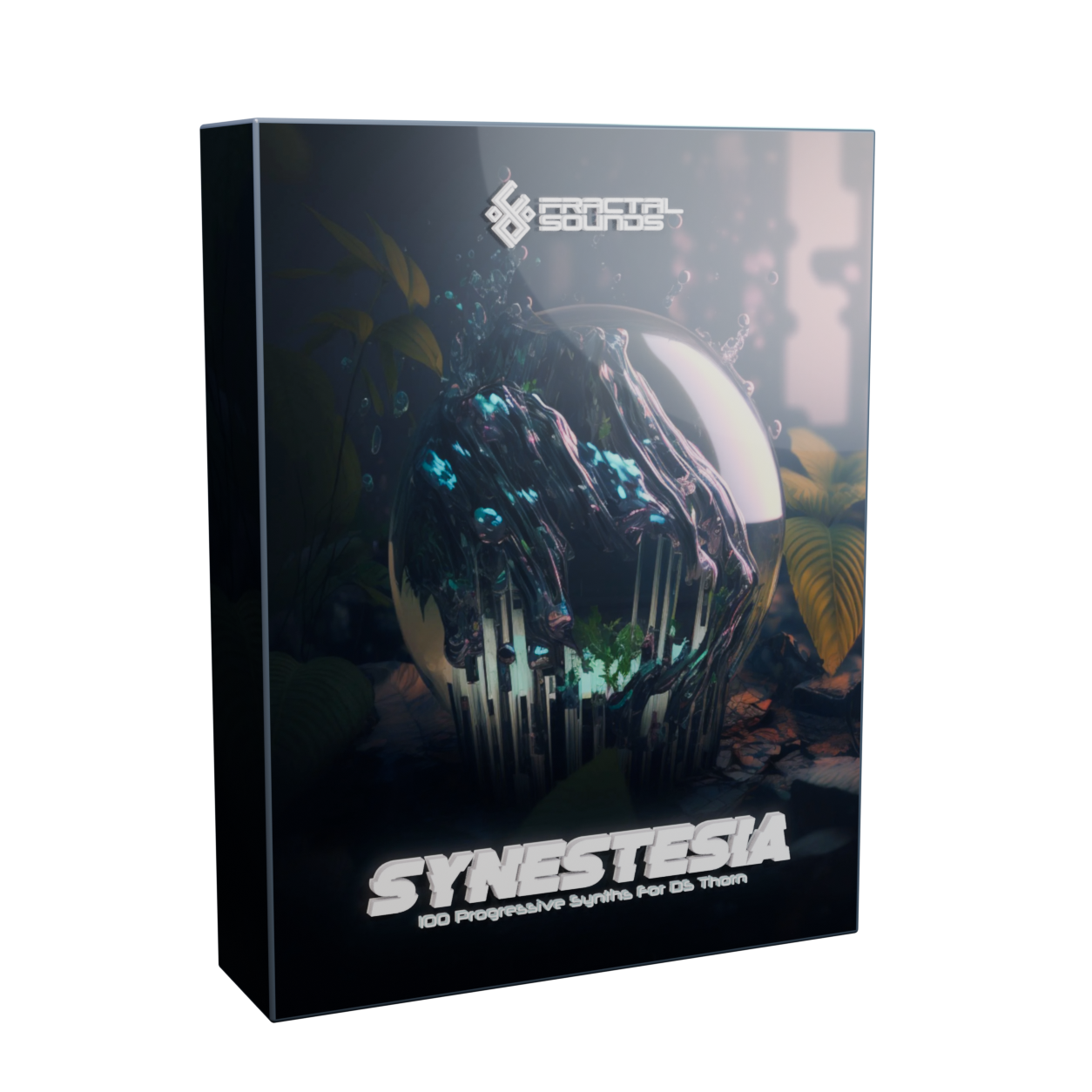
Synestesia contains 100 Thorn presets with a pure, glassy and synthetic character. Its official overview starts with a progressive techno demo-track breakdown before moving through the bank. That order makes the musical roles clear: a bass supports the groove, a sequence provides motion, and a few contrasting voices give the track shape.
The bank targets progressive trance and progressive psytrance as well. The demonstration is one arrangement built with the sounds, not a complete project supplied with the product. The kick and external effects belong to the session around the presets, so it helps to separate the synth tone from the later mixing decisions.
Balance the bass around the kick you actually use
At 1:24, Black Marvin discusses sidechain ducking, saturation, EQ and level around the opening bass. The choices respond to his kick and arrangement. They illustrate how to make a preset fit a production, rather than establishing a universal frequency boost or processing chain for Synestesia.
In the second passage, the Ambassador bass becomes a different lesson. Around 15:32, the saved delay is removed because the other parts already provide enough movement. Before changing a patch completely, compare its effect level and note articulation in the full mix. A drier foundation can let the more spacious parts remain clear.
A synth can become a stab, and a pad can change register
The stab example begins around 4:17. A lower register brings out a gritty quality, then chorus, saturation, compression and spacious effects help place it in the track. The bypass comparison matters: the raw preset already contributes much of the character, while the added chain gives it a particular position and scale.
At 6:31, the Aurava pad is played low, with an invitation to try it higher as well. Use that same comparison when choosing a breakdown texture. Keep the MIDI simple at first and hear what changes with the octave before adding another layer or a more complex chord progression.
Give one sequence two complementary roles
The opening Brassy Bombs sequence gives way to Azura in the later passage. Around 9:55, Black Marvin uses a second instance of Azura for a complementary lead phrase. The two instances share a sonic identity, but their MIDI and processing make them serve different functions.
At 10:36, a held note is compared with shorter triggers. Holding allows the saved sequence to unfold, while shorter MIDI notes retrigger it and produce another phrasing. This keeps some rolling motion while giving the producer more control over the line. Try the idea before assuming that every new part needs a completely different preset.
Let delay, ducking and EQ create space
Around 12:24, the sidechain processor is placed after the delay so its gain reduction also affects the repeats. Putting the ducking before the delay would produce a different result because later repeats would not pass through that same stage. It is a useful distinction when a spacious phrase needs to leave room for the kick.
The layered Azura instances also receive different EQ and reverb treatment. Listen for their roles in the arrangement rather than copying an isolated EQ curve. External effects such as Multipass, the ducking processor and Valhalla Supermassive are examples from the project; they are not included in Synestesia or required simply to play the presets.
Audition the bank with a phrase you already know
The bank walkthrough begins at 16:49. It moves through acids, basses, glassy pads and crystalline plucks before exploring the sequences and synths. Black Marvin reuses MIDI from the demo for some auditions, making the differences in tone easier to hear without changing the composition at the same time.
The category labels remain flexible. The Womp bass is discussed as a possible rhythmic or stab-like sound, and the synths can move toward leads, stabs or atmospheres depending on their use. Keep a short phrase ready in your own project, then compare register, note length and effects as you browse.
Keep the arrangement focused
Around 14:34, Black Marvin explains why the demo does not need many more parts: the selected sounds already cover a substantial part of the spectrum. That is a useful stopping point when browsing a large bank. A strong extra preset may work better as a replacement or a later variation than as another simultaneous layer.
Synestesia requires DS Thorn, sold separately. Use the overview to hear the bank in context, then consult the FAQ for its scope and practical editing questions. Epsilon offers another Thorn direction if you are specifically looking for a wider psytrance essentials palette with documented grids, acids and zaps.
Bring Synestesia into your session.
Explore the presets behind the guide, with current product details and listening examples.