
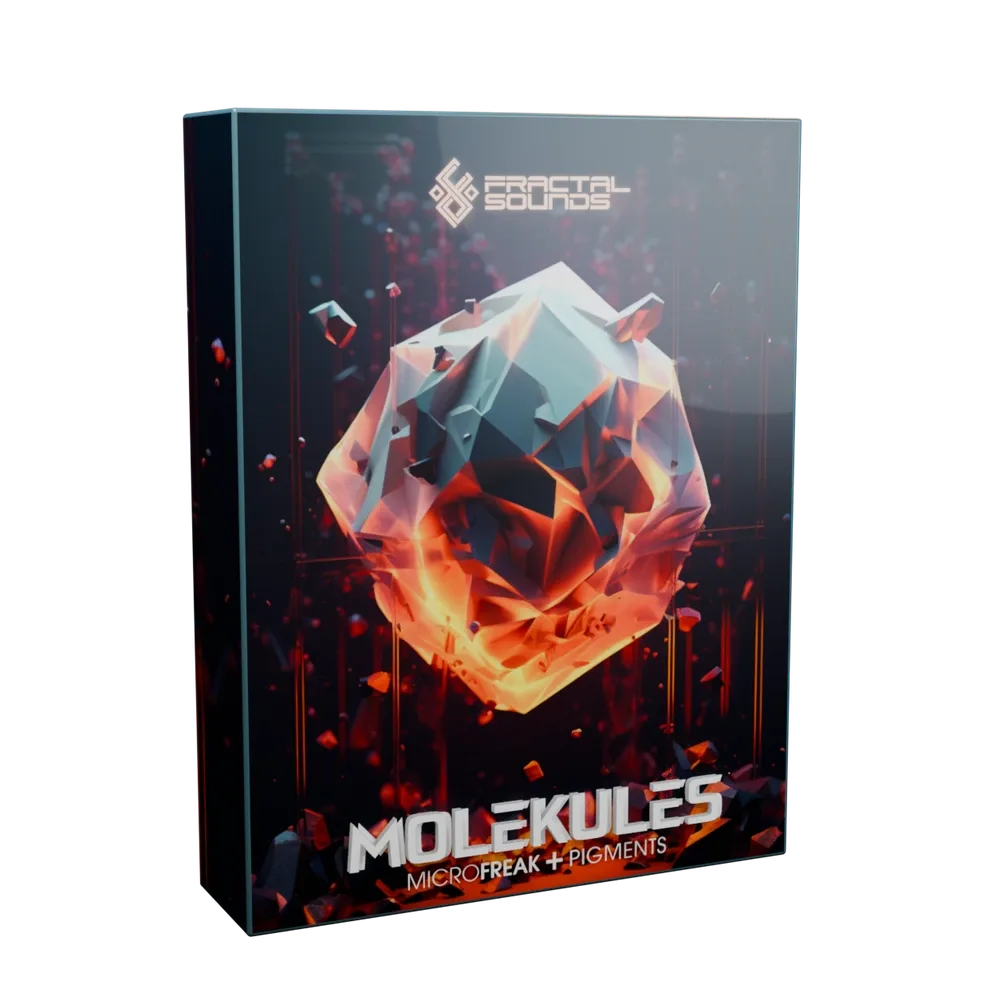
Chaotic Chrystals
Unstable, detailed source material.

Granular sources for MicroFreak & Pigments.
200 audio sources selected for granular synthesis, including vocal, synthetic and textural material. Explore the 32-bit WAV library in Pigments, or load 11 prepared banks containing 160 unique sources into MicroFreak.
Returning customer? Sign in to use your Fractal Credits.
These editions share the same source recordings or wavetables. Choose the format you need, not a second collection.
For Arturia Pigments or MicroFreak with firmware 5.0 or later. MicroFreak sample transfer uses MIDI Control Center. Instruments sold separately.


Hear the shared Molekules recordings in the original Phase Plant overview. Explore how the material changes when scanned, stretched and broken into grains.
The video uses the Phase Plant edition. This edition supplies 200 WAV sources for Pigments and 11 MicroFreak banks, with the same source recordings at its core.
Find a starting point, from human voices to synthetic motion and physical textures.
Unstable, detailed source material.
Bright reflections and spectral tails.
Physical attacks for granular impact.
Dark, atmospheric raw material.
Synthetic signals made to evolve.
Tonal building blocks for your own patches.
Dense surfaces and shifting detail.
Human phrases with melodic contour.
Long-form voices for clouds and pads.
Take the prepared banks to the hardware or explore the full WAV collection in Pigments. Molekules supplies the audio material for building your own granular patches.
The 11 sample banks organize 160 unique audio sources. Transfer a bank with MIDI Control Center, then explore it with Sample, Scan Grains, Cloud Grains or Hit Grains.
Load the 32-bit WAV files into Pigments' sample engine and explore granular playback. Start from the same recording, then shape its position, grain size and modulation into your own sound.
Use a vocal sustain for a cloud, a foley attack for impact or a moving synthetic signal for texture. Add filtering and effects to make the patch your own.
Use MicroFreak with firmware 5.0 or later for its sample and granular engines. Import the prepared sample banks through the Samples tab in Arturia MIDI Control Center.
For Pigments, use the included 200 WAV files. This is an audio source library for creating patches. The instruments are sold separately.
Keep a backup of the samples your existing patches use before replacing a MicroFreak bank. Sending a whole bank replaces the samples currently on the instrument.
Arturia sample-import guide200 WAV sources and 11 MicroFreak banks for your next granular patch.
Returning customer? Sign in to use your Fractal Credits.
These editions share the same source recordings or wavetables. Choose the format you need, not a second collection.
New textures to shape with your existing tools.