
Production guide
FractalFreak: 16 free MicroFreak wavetables and how to use them
Load FractalFreak's analog-inspired wavetables into Arturia MicroFreak, understand WaveUser and explore oscillator colour without confusing tables with presets.
Watch the video
Watch on YouTube (opens in a new tab)Video by Black Marvin Published
Recorded in October 2021, around the introduction of user wavetables in firmware 4. The musical demonstrations are presented as auditions, not as a spoken tutorial for every table.
What is FractalFreak?
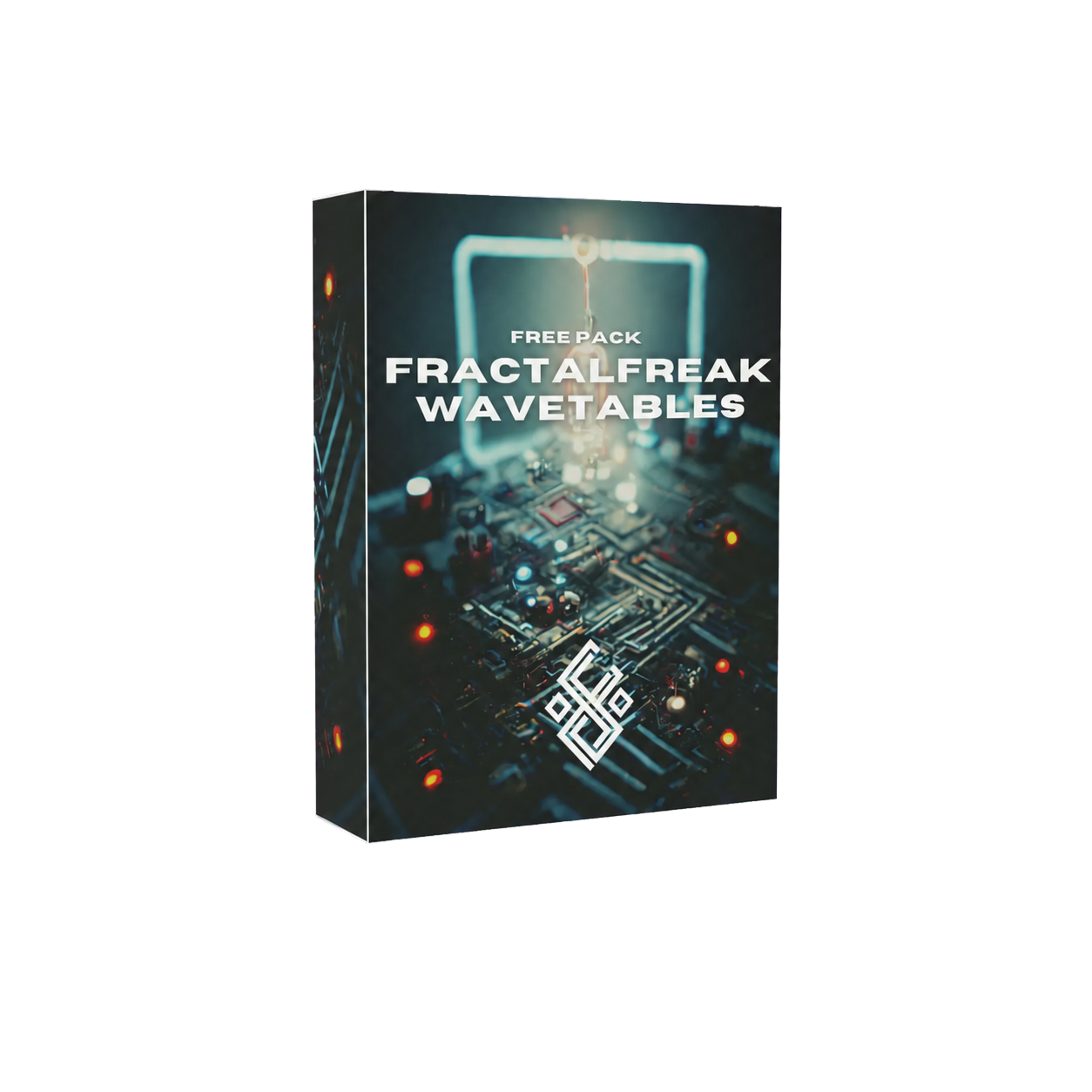
FractalFreak is a free selection of 16 analog-inspired wavetables for Arturia MicroFreak. The material comes from The Prophecy collection and focuses on oscillator colour, including saw, square and pulse-like variations. It gives you source material to shape with the instrument's filter, envelopes and modulation.
These are wavetables, not 16 complete synth presets. A full preset also stores the surrounding instrument settings. Loading a new table changes the oscillator material inside your patch, so the sound still depends on the filter, envelope, sequence and performance controls you use.
Which MicroFreak oscillator and firmware do I need?
Use MicroFreak's WaveUser oscillator, the custom-wavetable capability introduced with firmware 4. The video's description of this as a new feature belongs to its 2021 recording. It is not an instruction to downgrade a newer instrument to that firmware.
Confirm that your instrument exposes WaveUser and that MIDI Control Center recognizes it before transferring the bank. MicroFreak's later sample and granular features are a separate workflow: FractalFreak belongs in the wavetable area, not the sample-import area.
How do I install the bank with MIDI Control Center?
Extract the download and connect MicroFreak to Arturia MIDI Control Center. In the Wavetables tab, import the supplied bank or table files into the computer side, then transfer the intended tables to the instrument. Arturia documents both bank transfer and individual table operations.
Back up the existing bank and choose destination slots deliberately. Replacing a user table can change the sound of presets that already reference its slot. Keeping a copy of your previous tables helps you restore those patches if you later return to an earlier project.
Why does the demo use a simple pattern without extra effects?
Around 2:02, Black Marvin explains the stripped-back audition: a straightforward pattern and filter manipulation make the oscillator character easier to hear. Much of the video then lets the musical examples speak for themselves. It does not provide a separate spoken recipe for every table.
Use the same approach for your first comparison. Keep the notes and envelope fixed, change one table, and listen before adding delay or reverb. Once you choose a useful tone, develop the surrounding patch. Otherwise, a strong effects chain can make different tables harder to compare.
Can these wavetables make MicroFreak sound more analog?
The bank explores analog-inspired waveform shapes and variations. Combined with MicroFreak's own signal path, those sources can support rounded basses, brighter leads or more animated tones. The reference describes a palette, not an exact model of a particular vintage synthesizer.
Try several table positions with a restrained filter setting before introducing modulation. Then compare a static position with a slow movement through the table. A useful sound may come from one stable position; scanning the entire range is an option, not a requirement.
Does FractalFreak work in MiniFreak V or other wavetable synths?
This download is specifically presented for MicroFreak. Do not assume that an instrument with a similar name accepts the same bank format. In particular, MiniFreak and MiniFreak V use a different preset workflow, and FractalFreak is not listed as their preset bank.
For complete free MiniFreak patches, use Frog Factor. For another wavetable synth, check that product's supported formats and the relevant Fractal Sounds edition rather than importing a MicroFreak bank into an unrelated browser.
Why can the same table sound different from the video?
The table is only one part of the patch. Note register, table position, filter cutoff, resonance, envelope timing and sequence all affect what you hear. Start with a simple patch and compare those controls before assuming that the transfer failed.
If you hear an entirely different source, verify the selected WaveUser slot and the bank you sent. When reusing older patches, remember that their table slots may now contain different material. Save a separate patch when you adapt the sound so your original version remains available.
How is the free bank different from The Prophecy?
FractalFreak offers a 16-table selection. The separate MicroFreak edition of The Prophecy expands that analog-inspired direction into a larger paid collection. The video mentions its upcoming release because it was recorded before that launch; the old waitlist language is historical.
The free selection is enough to explore the workflow on your own instrument. Download it, back up your tables and build a few patches before deciding whether you want more source material. Newsletter subscription is optional on the free download page.
Bring FractalFreak into your session.
Get the free pack and follow the setup guidance above. Newsletter signup is optional.