
Production guide
DS Thorn Booster: 45 free oscillator, harmonic filter and arpeggiator tools
Understand the free Thorn Booster's 20 oscillator presets, 10 harmonic filters and 15 arpeggiator patterns, then combine them into your own synth patches.
Watch the video
Watch on YouTube (opens in a new tab)Video by Black Marvin Published
Recorded in January 2022. The 45 tools are component presets, not 45 finished instrument patches. Extra effects and the separate Epsilon bank discussed in the recording are optional.
Are these 45 complete Thorn presets?
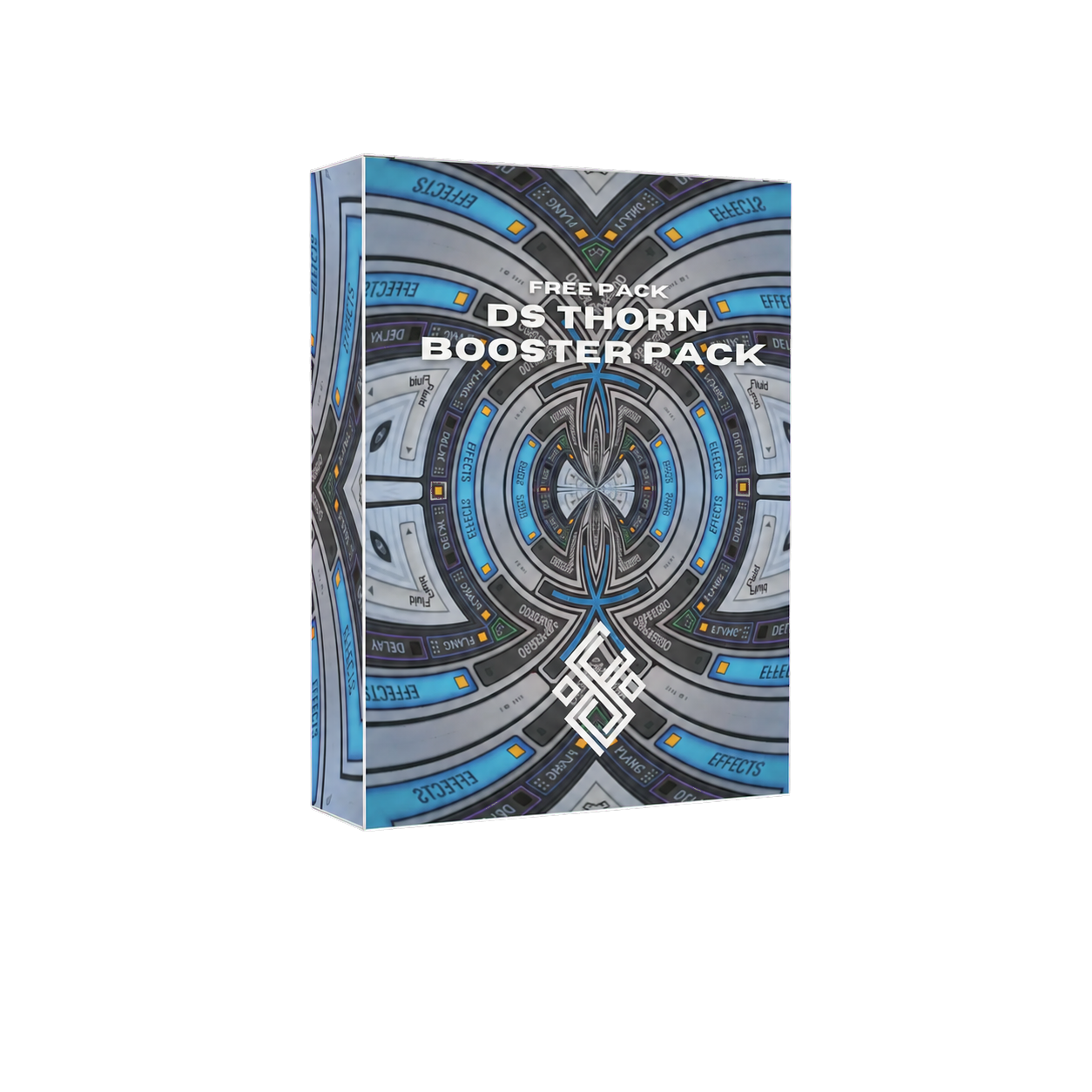
The free Booster contains 45 building blocks: 20 oscillator presets, 10 harmonic filter presets and 15 arpeggiator presets. Each category loads into its corresponding part of DS Thorn. Together they give you starting material for constructing or modifying a sound.
A complete instrument patch stores a broader set of settings. Loading one of these components does not automatically recreate the full lead heard later in the video. This bank is useful when you want to explore how the oscillator, spectral shape and note pattern contribute separately.
How do I install the three folders?
Around 2:55, Black Marvin opens Thorn's preset location with Show in Explorer and places the supplied component folders in their matching locations. The important step is preserving the distinction between oscillator, harmonic filter and arpeggiator material instead of treating everything as full synth patches.
Extract the archive first and use Thorn's browser to locate its content area. The exact file-manager label can differ with your operating system. If files are absent from a menu, check that you are browsing the matching component category and that the folder was copied to the location Thorn actually uses.
What do the oscillator presets add?
The oscillator examples introduce spectral colours, including glassy and more unusual tones. From around 4:55, modulation changes the oscillator position to produce movement. The source can also work at a single position, with the rest of the patch shaping the result.
At 6:53, the explanation distinguishes this material from a conventional smoothly evolving wavetable expectation. Do not assume that sweeping every position will produce one seamless gesture. Audition individual positions first, then decide whether a continuous sweep, a stepped change or a static colour suits the phrase.
What is the role of the harmonic filter?
From 7:45, the harmonic filter reshapes the oscillator's harmonic content before the later sound-shaping choices. A relatively simple source makes the differences easier to hear. The prepared shapes offer another route to a characterful tone without starting from an empty design.
Choose a useful position before adding motion. If the result becomes too hollow or loses the body you need, compare it with the harmonic filter bypassed. That comparison helps separate the oscillator's colour from the contribution of the spectral shaping.
How do the 15 arpeggiator presets change a patch?
At 12:00, the overview switches to note-pattern choices. The arpeggiator changes the rhythmic and melodic behaviour of the sound, while octave range and gate settings affect how it occupies the phrase. Trying several patterns on the same patch is a quick way to hear those differences.
Use the notes or chord from your own track when comparing patterns. A gate that works with a short pluck may overlap too much with a long release. Listen to the note lengths and rests as carefully as the pitch movement, then save a full patch once the combination feels useful.
Can I combine all three categories?
Yes. Start with an oscillator colour, decide how much harmonic filtering helps it, and then choose an arpeggiator pattern. The demonstration also disables the harmonic filter for a clearer trance-style lead, showing that using every category at once is not obligatory.
Work one component at a time and compare at similar levels. If changing the oscillator makes the old filter shape too aggressive, revisit the filter instead of assuming the new source is unusable. The bank's purpose is to support these combinations, rather than prescribing one finished sound.
How do effects and shuffle develop the sequence?
From 15:42, the video develops the sound with effects and modulation. Later, different low-pass responses and shuffle alter its contour and groove. These steps show how a basic component combination can become a more personal phrase through timing and processing.
Keep the dry articulation audible while adding delay or phaser movement. Check shuffle against the drums and reduce overlapping tails if the rhythm loses definition. External processors mentioned during the session are examples, not additional files included in the Booster.
How can I keep bright spectral sounds under control?
The video discusses post-EQ and, near 20:19, listening at the strongest expected timbre when setting it. A patch may sound balanced at one position yet become much sharper at the end of a modulation sweep. Test the range you actually plan to use.
Start with Thorn's controls and an EQ you already know. Optional third-party processing shown in the session is not a requirement for loading the free components. Make any cleanup decision in the mix, where a bright accent may serve a different role from a sustained lead.
Do I need Thorn, and how is this different from Epsilon?
You need a compatible DS Thorn installation to load these Thorn-specific components. The download does not supply the synthesizer or presets for Serum, Vital or Phase Plant. A free component library and a free instrument are different things.
Epsilon is the separate collection of 100 complete Thorn presets referenced in the video. Choose the Booster for hands-on construction with oscillator, filter and arp material; consider a finished-patch collection when that is the workflow you want. The free download can be requested without joining the newsletter.
Bring Thorn Booster into your session.
Get the free pack and follow the setup guidance above. Newsletter signup is optional.