
Production guide
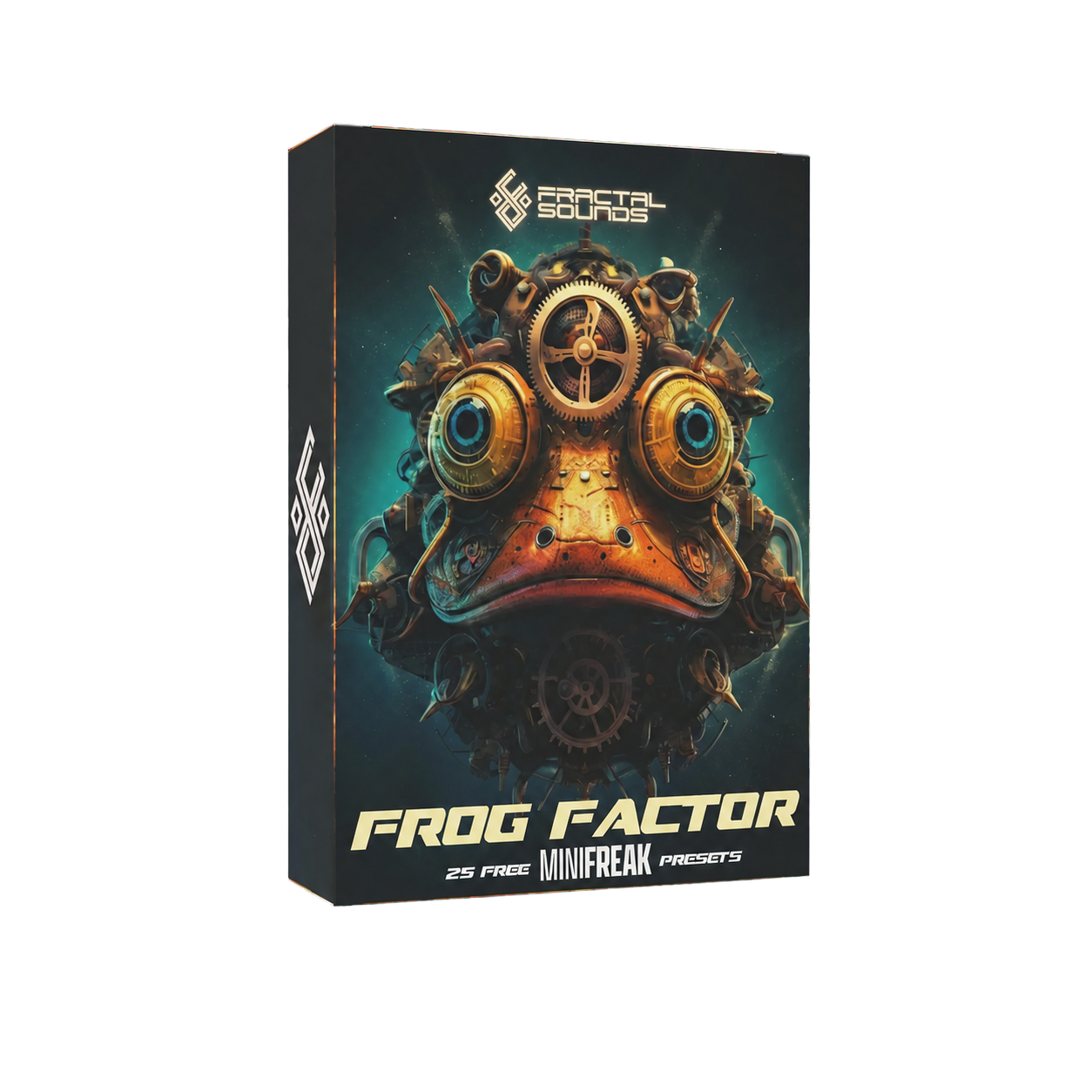
Frog Factor: 25 free MiniFreak presets for studio and live performance
Explore Frog Factor's free psytrance presets for MiniFreak and MiniFreak V: bank contents, installation, hardware transfer, macros, leads, pads and sequences.
Watch the video
Watch on YouTube (opens in a new tab)Video by Black Marvin Published
Recorded in June 2023. This is a preset audition with an introduction to the design approach. The installation steps below use Arturia's current documentation; they are not presented as steps demonstrated in the video.
What is inside the free Frog Factor bank?
Frog Factor contains 25 presets: 14 leads, five sequences, four pads and two basses. They were designed on the Arturia MiniFreak hardware and are also compatible with MiniFreak V. The bank focuses on the synth's trippy and expressive side, with macro integration intended for both studio work and live performance.
The video is primarily an audition of that palette. Listen to the lead section from 3:11, pads from 9:54 and sequences from 11:03. Use those chapter points to find the musical role you need, then try the downloaded patches with your own notes. The bank is a set of playable presets, not a pack of audio loops or the video's complete performance project.
Can I use Frog Factor without the MiniFreak hardware?
Yes, the pack is compatible with MiniFreak V, so owning the hardware is not a requirement for using it in the software instrument. You still need access to the compatible Arturia instrument. The free preset bank does not include a MiniFreak V license or replace the synth with a separate plugin.
At 2:08, Black Marvin explains why he designed the sounds on hardware and how its analog filter informed the work. His preference for that experience does not make the software version invalid. Choose the setup you already use, audition the bank there and judge the response with your own playing and effects.
How do I import Frog Factor into MiniFreak V?
Download Frog Factor from its Fractal Sounds page and extract the archive. Open MiniFreak V and use its Import command to select the supplied bank. This follows Arturia's workflow for third-party sound banks. You are importing a bank into the instrument, not installing another audio plugin or waiting for a Fractal Sounds download to appear automatically in Arturia's store.
After importing, find the bank in the preset browser and play a patch. If it does not appear, check that you selected the extracted bank rather than the ZIP and clear browser filters that could hide it. Keep the downloaded source files so you can repeat the import on your own setup if needed.
How can I transfer presets to the MiniFreak without losing my sounds?
Use MiniFreak V to manage the hardware bank. Connect and link the MiniFreak, then back up its current contents with Backup to Computer in the hardware section of the browser. Arturia supports sending selected presets or a complete bank. Choose destination slots deliberately: transferring into occupied slots replaces their contents.
A full-bank transfer can rewrite the hardware memory, so preserve any edited sounds you want to keep first. Arturia also documents automatic preset synchronization when linking hardware and software. Consult its current instructions for your connection mode rather than treating the download as an instruction to overwrite the instrument's existing bank.
Is Frog Factor compatible with MicroFreak, Pigments or Serum?
Frog Factor is listed for MiniFreak and MiniFreak V. MicroFreak is a different instrument, despite the similar name, and this bank is not a MicroFreak wavetable collection. It is also not a bank of Pigments, Serum or Vital presets. Choose the download by its required instrument, not only by the sound category or genre.
If you are looking for free MicroFreak content, FractalFreak is the separate user-wavetable bank. Wavetables supply source material for a compatible oscillator; Frog Factor supplies MiniFreak instrument patches. That distinction helps explain why importing one product into the other instrument's browser will not provide the intended result.
How should I explore the performance macros?
Around 2:48, Black Marvin describes the macro integration as part of the bank's live-performance intent. Start by holding a note or repeating a short phrase, then move one macro slowly from its starting position through its range. Listen to both the destination and the motion between positions before combining controls.
The assignments belong to each patch, so do not assume that a given macro performs the same job in every preset. Find a useful movement, return to a reliable starting position and try it against the track. For performance, a controllable gesture that fits the phrase is more useful than reaching every extreme at once.
How do I choose between leads, pads, sequences and basses?
Begin with the part missing from your arrangement. A lead can carry a phrase or provide short answering notes. A pad can supply sustained harmony or texture. A sequence can introduce an existing pattern of movement that you then audition against the track's rhythm. The two bass patches offer another starting role within the same bank.
Use your own MIDI, register and note length when comparing sounds. A preset audition shows one performance context; it does not decide how long the notes should be in your track. Check the balance with the kick and other melodic parts, and save a separate version when you adapt a patch.
Are these presets only for psytrance or live sets?
Psytrance is the bank's starting identity, but the introduction explicitly leaves room for other creative uses. Animated leads, pads and basses can serve a different electronic arrangement when their notes, register and movement fit it. Likewise, the performance focus does not make the bank exclusive to stage use.
In the studio, record a few variations of a macro gesture and choose the one that supports the phrase. On stage, rehearse the changes and transitions you plan to perform. The downloadable bank supplies sounds, while the arrangement, controller assignments and performance decisions remain part of your own setup.
Do I need another pack or a newsletter subscription?
You can request Frog Factor without subscribing to the newsletter. The email field delivers access to the free download; the newsletter option is separate. Any additional sample packs shown on the page are optional products for building a track around the synth, not included MiniFreak expansions or requirements for these 25 presets.
Start by importing the free bank and testing a lead, a pad and a sequence. That gives you a practical way to learn its character before adding anything else. If you need help with a particular software or firmware setup, include that version when contacting Fractal Sounds.
Bring Frog Factor into your session.
Get the free pack and check the required instrument or effect. Newsletter signup is optional.