
Production guide
Fractalmassive: free Supermassive presets for moving echoes and live transitions
See how Black Marvin uses Fractalmassive in a live set, then learn about the 46 free Supermassive presets, send effects, wet/dry balance and transition tails.
Watch the video
Watch on YouTube (opens in a new tab)Video by Black Marvin Published
Recorded in November 2023. This is a live-use example featuring several separate products, not a walkthrough of all 46 Fractalmassive presets. The setup suggestions below extend the demonstrated idea.
What is Fractalmassive, and do I need a paid reverb?
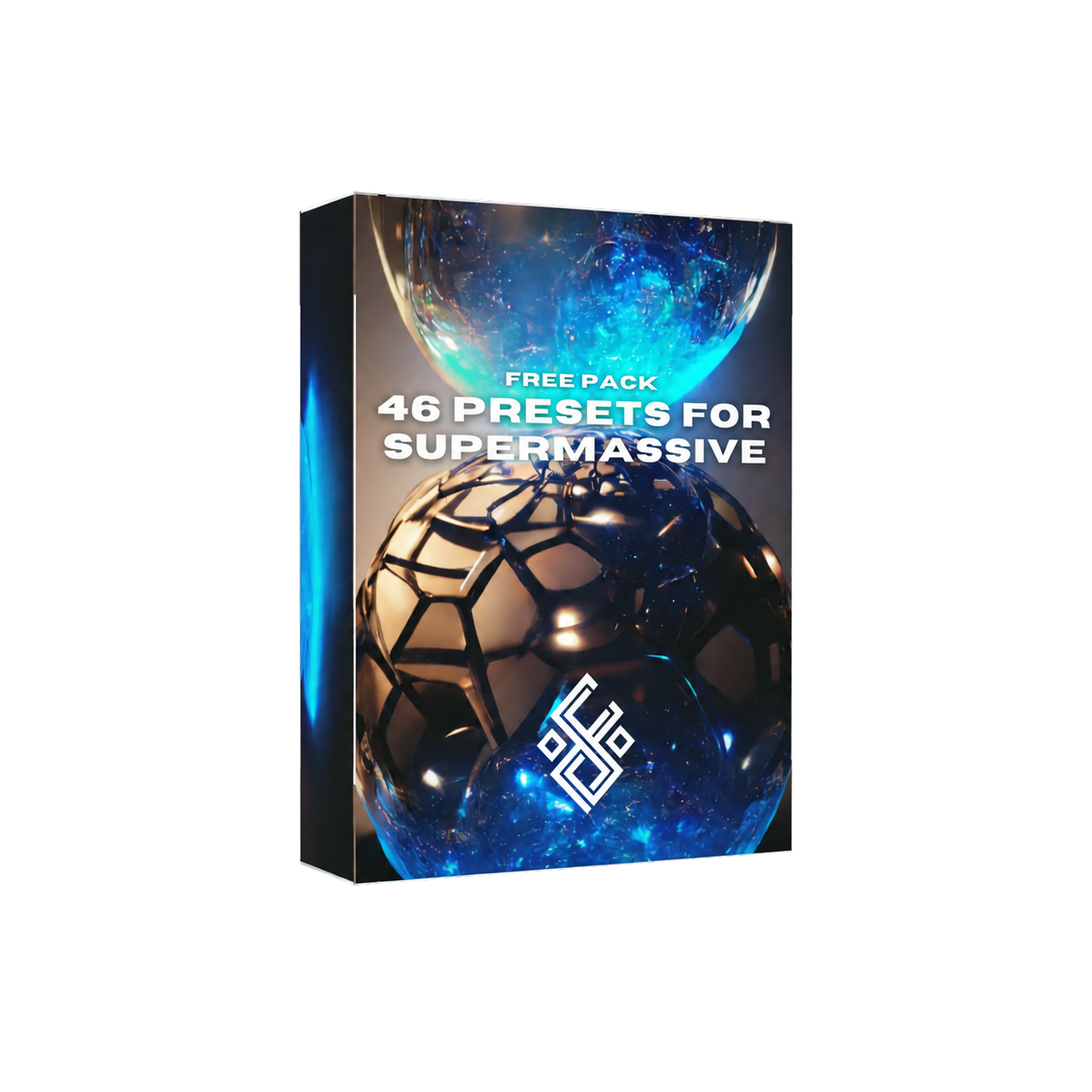
Fractalmassive is a free bank of 46 presets for Valhalla Supermassive. It focuses on oversized spaces, moving echoes and atmospheric treatments. The bank supplies effect settings, so it needs an incoming synth, voice, recording or other audio source. It is not an instrument, sample library or standalone reverb plugin.
Valhalla Supermassive is itself available free from Valhalla DSP. You need to install that plugin separately, but you do not need to purchase a different Valhalla reverb to use this bank. Fractalmassive is made for Supermassive, not for Valhalla VintageVerb, Room or a Native Instruments Massive synthesizer.
What does the live video actually demonstrate?
The video separates three jobs in one transition. At 0:36, a controller knob operates Transit with a Momentum preset, building movement as Black Marvin switches from an improvised part toward the arranged track. At 1:06, another knob controls a send feeding two Supermassive instances. One of those uses a Fractalmassive preset described as a medium delay with reverb characteristics.
Those Supermassive treatments create trailing sound around the change while Transit supplies the transition's tension. At 2:04, a MicroFreak granular pad adds another texture and a pitch-bend gesture. The free Fractalmassive bank is one component of this performance, not a download containing Transit, the MicroFreak source, the controller mapping or the complete live set.
Why use a send for an atmospheric transition?
A send lets you decide how much source audio enters a separate effect path. In the video, that becomes a performance gesture: introduce trailing texture around a chosen moment instead of giving every part of the set the same constant wash. The transition can retain continuity while the musical material changes.
To explore the idea in your own DAW, start with one Supermassive instance on a return and a short source phrase. Raise the send for a selected note or moment, then reduce it and listen to what remains. This is a suggested starting exercise, not an exact reconstruction of the video's routing or a requirement to copy its two-instance setup.
Should Supermassive be fully wet on a return track?
Valhalla documents Mix at 100% as effect-only output and recommends that setting for send use. Keep the original signal on its own path, then balance the processed return against it. Mix Lock can preserve the chosen wet/dry setting while browsing presets, helping you compare the spaces without repeatedly changing that balance.
On an insert, a lower Mix may be more appropriate because the plugin is processing the track directly. Check which routing you are using before adjusting the preset. The same setting can feel very different when it is blended through a send versus placed directly across the source.
How do I find and load the downloaded presets?
Install Supermassive first, download Fractalmassive and extract the bank. Follow the preset installation method for your system, keeping the files in Supermassive's user-preset location rather than treating them as plugin installers. The plugin's own preset menu opens when you click the current preset name; this is different from choosing an audio plugin in your DAW.
If the bank is missing, check that you extracted the download and are browsing Supermassive rather than another Valhalla product. Valhalla's preset support page explains third-party installation and common folder issues. Once a preset loads, play audio through the effect and compare it with bypass to confirm the routing as well as the file import.
How can I keep a long tail from swallowing the next section?
Listen through the next downbeat, not only to the moment you turn up the effect. Try sending a shorter part of the phrase, lowering the return or choosing a less dense starting preset. A long tail can connect two sections, but too much lingering energy may compete with a new bassline, lead or vocal.
Reducing the send stops adding as much new material; it does not necessarily remove sound already decaying in the effect. If you want a hard cutoff, treat that as a separate arrangement decision. Rehearse the return to the dry groove as carefully as the build so the transition has a useful ending.
Do I need Transit, a MicroFreak or two reverbs?
No. Those are parts of the demonstrated live rig, not requirements for Fractalmassive. You can use a single Supermassive instance with audio already in your session. Begin with a simple source and one useful preset so you can hear what the effect contributes before combining more processing.
If you want to study the separate Transit technique, the Momentum guide explains macro curves, gain changes and effect tails in depth. Keep the roles distinct: a synth supplies material, Transit shapes the transition, and the Supermassive path supplies trailing space in this example. Combining them is optional.
Can I use these free presets for ambient textures or studio production?
Yes. The live example demonstrates one application of an effects bank that also suits studio exploration. Try a sustained synth for a moving background, a short pluck for a clearly audible echo pattern, or a vocal fragment for a more atmospheric layer. These are suggested ways to audition the effect, not additional samples supplied with the download.
Use the same source while comparing presets and adjust the processed balance before deciding which one fits. Save a useful variation and listen in the arrangement. A dramatic solo tail and a supportive background texture are different goals, even when they begin with the same preset.
Is a newsletter subscription required for the free download?
No. Request Fractalmassive through its free download page; newsletter signup is a separate optional choice. The page provides the bank and its current download details. You do not need another Fractal Sounds pack to begin using the 46 presets with Supermassive.
Start with one phrase and one effect path, then use the live video to think about when a gesture should happen. The useful question is not just which preset sounds large, but where that space helps the music move from one moment to the next.
Bring Fractalmassive into your session.
Get the free pack and check the required instrument or effect. Newsletter signup is optional.