
Production guide
Granular vocal presets for Pigments: inside Shamanic Voices
Watch Black Marvin turn vocal recordings into melodies, drones and evolving textures. Explore Shamanic Voices' granular tuning, chord controls and cinematic FX.
Inside the bank
Watch on YouTube (opens in a new tab)Video by Black Marvin Published
The editing steps refer to the specific patches demonstrated in this 2022 overview. Macro and modulation assignments vary across the bank.
A recorded voice becomes an instrument
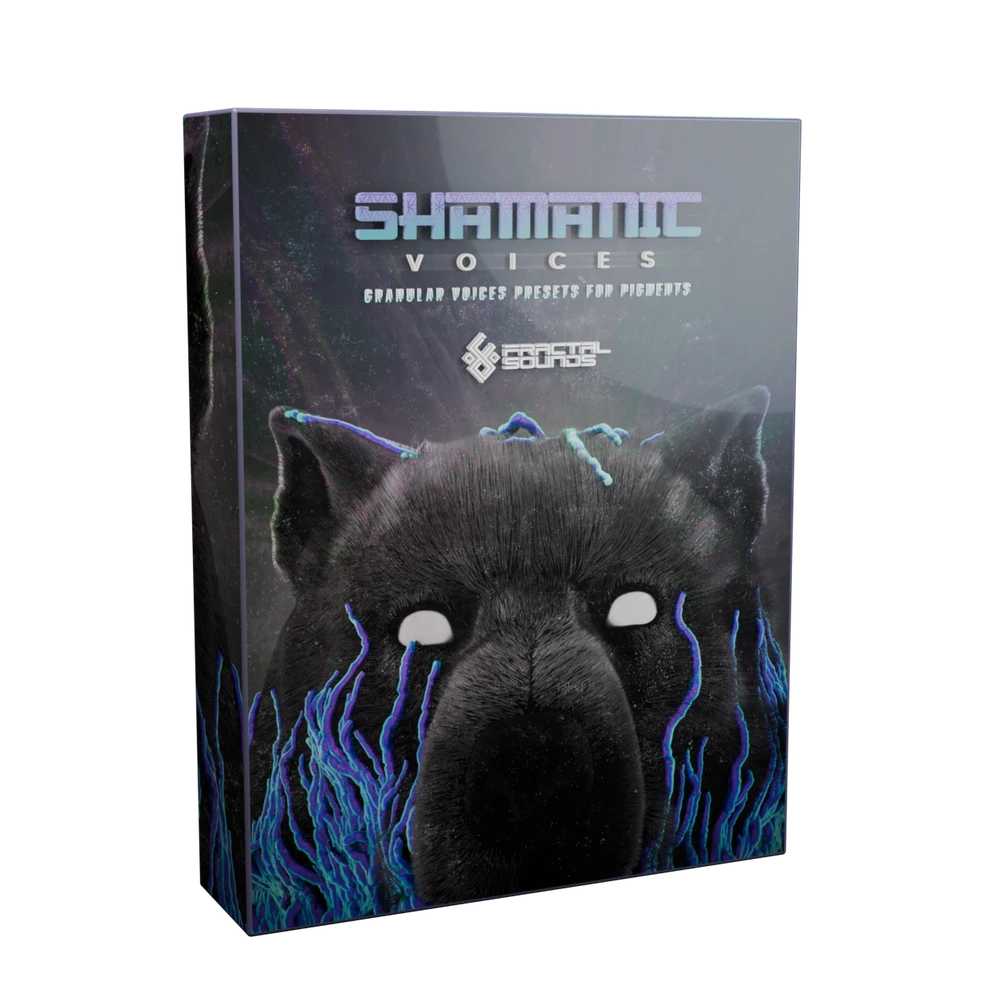
Shamanic Voices brings Swa Swally's vocal performances into a collection of 100 Pigments presets. Granular processing lets the patches explore movement inside those recordings, from recognisable vocal gestures to sustained textures with a less obvious human origin.
The bank contains 29 voice drones, 24 melodies, 21 tribal chants, 15 FX, 9 soundscapes and 2 instruments. The overview also includes percussion, flute and a bird-derived effect, so the collection is not exclusively vocal in every category. It requires Arturia Pigments 3.1.0.1 or higher, sold separately.
Choose a melody or a drone before writing the chords
At 2:50, Black Marvin explains the distinction between these two families. A melody can change pitch within a held note as the patch follows the original performance. A drone aims for a more sustained pitch while its texture continues to move. Holding one key is therefore not always the same as hearing one unchanging note.
Audition the complete phrase before placing harmony underneath it. If you want to write your own chord movement around a steadier vocal layer, start with the drones. If you want the voice itself to carry a gesture, explore the melodies and leave space for their internal pitch changes.
Freeze a granular position, then check its tuning
From 4:38, the overview demonstrates how to turn a moving vocal melody into a sustained tone. In the selected patch, Function 2 moves the grain position through the recording. Black Marvin removes that assignment, chooses a fixed position and listens to the resulting slice of the performance.
The important next step is tuning. A sung slide passes through pitches between the notes of the keyboard, so freezing a different position can change the pitch relationship that the original patch was designed around. Around 7:15, he uses a tuner and adjusts transpose and fine tuning so the selected note corresponds to the intended pitch.
- Keep the original preset and save your experiment as a separate patch.
- Identify the modulation actually moving grain position in that preset. Function 2 is the demonstrated assignment, not a bank-wide rule.
- Choose a stable position, check it with a tuner and adjust transpose and fine tuning as needed.
- Play the edited sound across the notes you plan to use and listen again in the arrangement.
Make room for your own harmony
At 9:05, a drone already contains a fifth introduced by its macro position. Black Marvin removes that interval before discussing playing your own chords. This explains why a single held key can sound harmonically fuller than expected.
Before stacking more MIDI notes, listen to the saved patch and inspect its active chord or unison controls. A built-in interval may be exactly the colour you want, or it may compete with your progression. Macro assignments vary, so choose by what the control does in the current preset rather than assuming that one knob always has the same job.
Use chants, soundscapes and FX for different roles
The chant examples around 12:49 range from organic to glitchy. The soundscapes introduced earlier can place the voice further back, with other material contributing to the texture. Those categories are useful starting points when the arrangement needs rhythmic detail or an evolving background instead of an exposed vocal melody.
At 14:24, a drum-and-flute effect shows another approach: its intensity control shapes a cinematic rise. Automating the control lets the movement follow the track rather than forcing the arrangement to fit a fixed sample duration. Try this on a patch with a suitable control, then render the result if you want precise audio edits. It is a demonstrated workflow, not a promise that all fifteen FX share that macro.
Choose between playable patches and WAV performances
Shamanic Voices suits a workflow where you play and edit finished Pigments sounds. If you instead want to arrange vocal and percussion recordings directly in a DAW or sampler, Ceremonial is a separate collection of 799 WAV files featuring Swa Swally. The shared performer does not make the two products interchangeable or bundle them together.
For Shamanic Voices, start with the free 10-preset demo. Compare a sustained drone with a melody, then try the available macros against your own harmony. The overview moves through dark and more joyful sounds, with possible roles in psytrance, psychill, ambient and cinematic arrangements.
Bring Shamanic Voices into your session.
Explore the presets behind the guide, with current product details and listening examples.