

Production guide
Dreamy Pigments presets: inside Cloudlands' granular atmospheres
Explore Cloudlands with Black Marvin: adapt sequences to your own MIDI, shape gentle macro movement and find new registers for dreamy granular textures in Pigments.
Inside the bank
Watch on YouTube (opens in a new tab)Video by Black Marvin Published
The original 2023 presentation includes historical offers. Consult the current product page for availability and pricing.
Build around atmosphere and motion
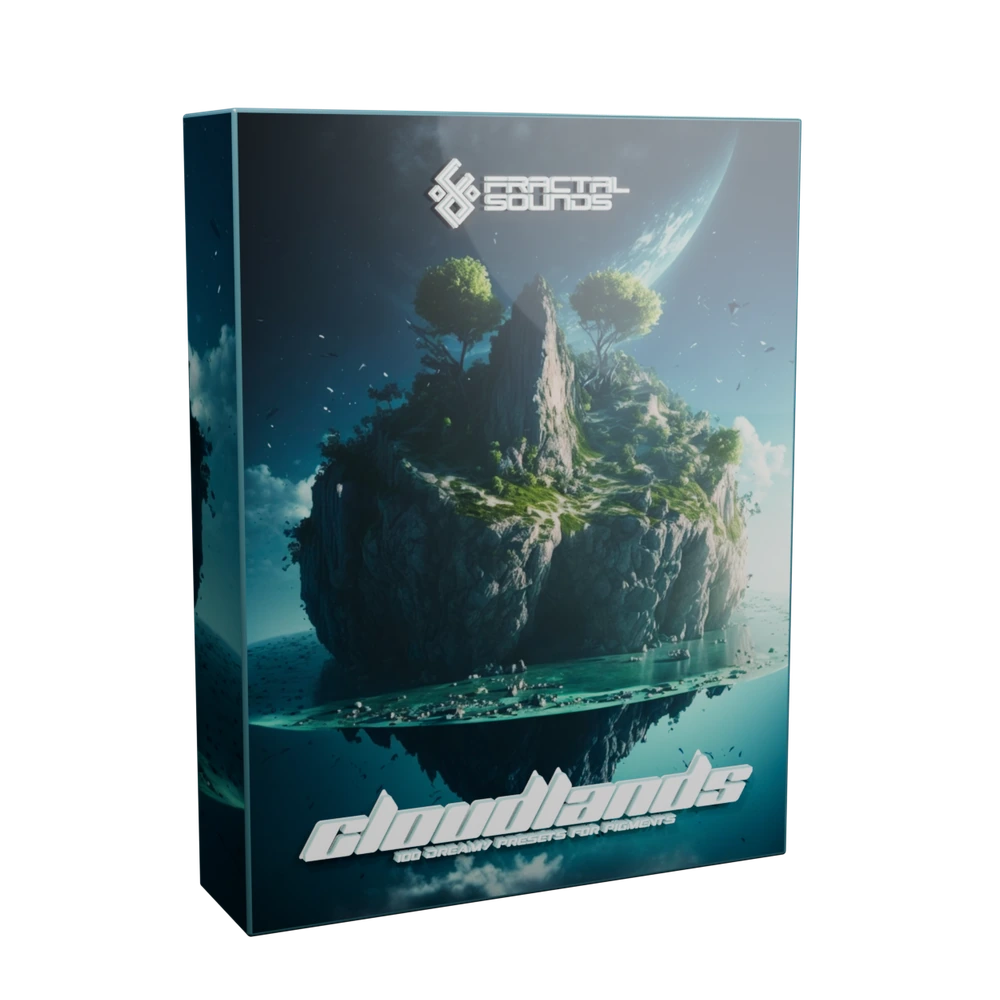
Cloudlands is a bank of 100 presets for Arturia Pigments 4.1.1 or higher. Black Marvin introduces it as a collection built around a dreamy, ethereal feeling rather than a single genre. It gives you playable starting points for spacious arrangements, with granular detail that can become either the focus or the background of a part.
The bank contains 39 atmospheres, 27 sequences, 12 dreamy leads, 8 plucks and 14 granular FX. With atmospheres and sequences accounting for most of the collection, it makes sense to audition a held note and a chord progression before searching for a busy lead phrase. Listen to how the texture changes over time, not just its first attack.
Let your harmony decide how the sequence runs
At 9:02, Black Marvin changes a sequence to arpeggiator mode when its programmed notes do not suit what he wants to play. Later, around 16:09, he bypasses an internal pattern to use a sound as a playable lead. These examples show why a sequence preset can be useful even when its original phrase does not belong in your track.
First hear the saved pattern. Then compare an arpeggiated version with a phrase written in your DAW. If a single note already produces harmony, inspect the patch's chord processing before feeding it a dense chord. Bypassing the sequencer does not necessarily remove all movement: grain behaviour and other modulation may still be active inside the sound.
Use the macros to find a neighbouring texture
Around 14:01, Black Marvin explains the bank's macro approach: controls provide musical variations while keeping the atmosphere of the patch. The overview moves through grain settings, tonal changes and effects, with assignments chosen for each sound rather than one identical map across the bank.
Try a slow macro movement over a held chord, then repeat it over your actual phrase. A small change in grain behaviour or phaser can make a background breathe without demanding a new part. In the Transcendence example, saturation increases intensity; listen to the level and density as well as the timbre when deciding how far to push a control.
Check what is creating the extra harmony
Several examples combine a source with chord processing or pitched effects. At 22:28, Black Marvin demonstrates shimmer shifted down by one or two octaves, giving a bright source a lower undertone. Shimmer here is not simply an extra sparkling octave above the note.
When a patch fills more space than expected, listen for the layer responsible before changing your MIDI. Reduce the relevant effect or chord setting, compare the result in the arrangement and decide whether the extra low or harmonic content helps. This is a way to evaluate the demonstrated behaviour, not an assertion that every Cloudlands preset uses the same effect configuration.
Audition granular FX as playable sounds
The granular FX section begins at 23:58 with crystalline and grainy pass-by textures. Around 24:31, the presentation explores different octaves. A sound that feels like a small high-frequency accent in one register can occupy a very different space lower down.
Although some examples behave like short one-shot effects, they are still Pigments presets. Compare note lengths, register and macro positions to find the useful shape, then record the passage if you want to cut and arrange it as audio. You are shaping a synth patch rather than selecting a fixed WAV file from a sample folder.
Hear Cloudlands before adding another layer
The product page offers nine audio previews and two videos, including this narrated overview and a preset walkthrough. Start with those examples if you are looking for dreamy Pigments atmospheres, granular transitions or sequences that can adapt to your harmony.
Pigments 4.1.1 or higher is required and sold separately. The finished patches use source material created for the bank; you do not need the hardware that appears in stories about how those recordings were made. Check the current listing for purchase details rather than relying on offers mentioned in the original video.
Bring Cloudlands into your session.
Explore the presets behind the guide, with current product details and listening examples.