

Production guide
Wavetable synthesis for beginners: position, movement and FM in Vital
Follow two Vital exercises using Quantum Fold and The Prophecy: scan wavetable frames, build a moving pad and use a silent oscillator as an FM source.
Watch the video
Watch on YouTube (opens in a new tab)Video by Black Marvin Published
What a wavetable adds to an initialized patch
A wavetable supplies oscillator material for building a sound. It does not contain the complete envelopes, filters, effects and modulation of a finished preset. In this beginner session, Black Marvin starts from that distinction: choosing a useful source can make an initialized synthesizer less intimidating without deciding the whole patch for you.
A table contains waveform frames. Position selects a point within that material, and modulation can move through it while a note plays. The number of frames depends on the file and instrument; there is no universal requirement that every table contains 256 frames. Import the file through your synthesizer's wavetable workflow so it is interpreted as oscillator material, rather than placing it on an audio track as a loop.
Choose between obvious movement and a subtler tonal foundation
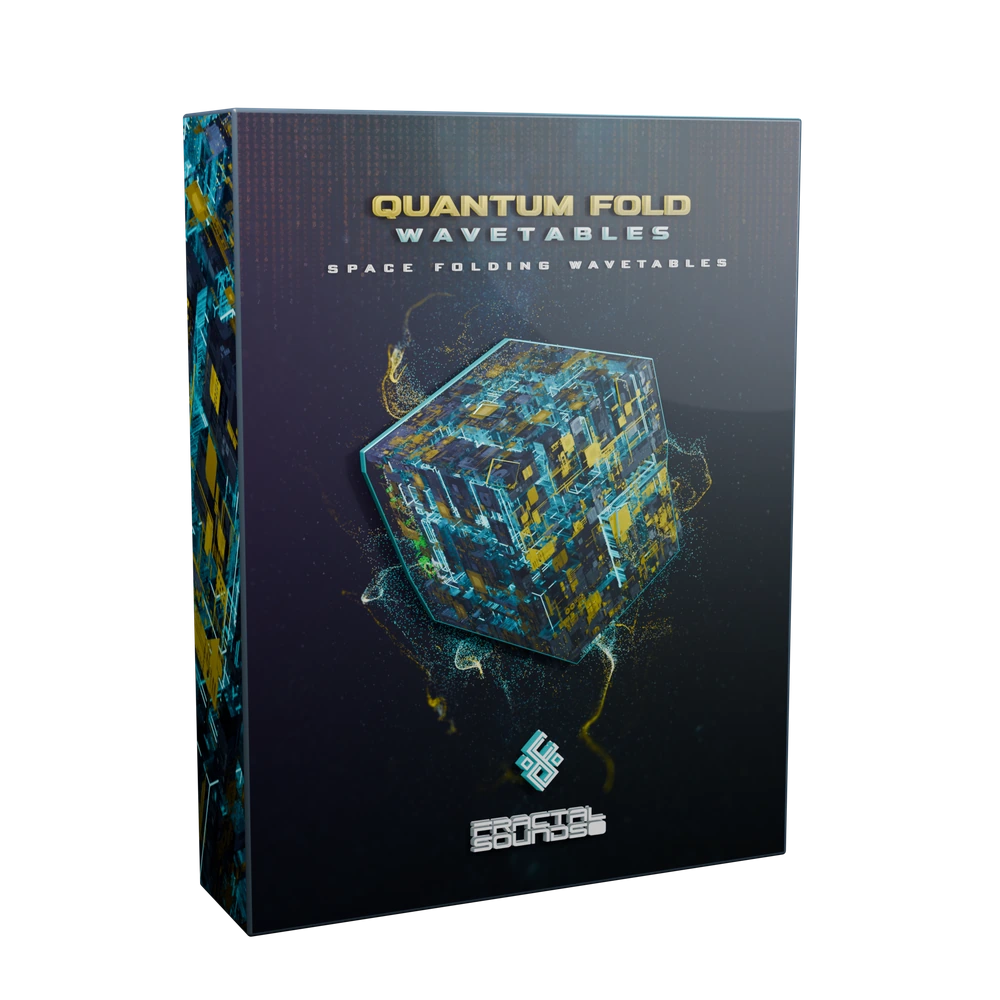
Around 4:57, Quantum Fold examples such as Hyperspace and Meteor demonstrate conspicuous changes as the position moves. The Prophecy examples then explore analog-style waveform character, including a Borg saw source. Some tables provide a pronounced journey across their frames; others are useful for choosing a particular colour or making smaller variations.
These are listening approaches, not rigid technical categories. A table with dramatic internal changes can be held at one position, and a subtle source can still be animated. The original Quantum Fold software collection contains 120 WAV wavetables in nine categories. The Prophecy software collection contains 120 analog-style WAV wavetables in eight categories. Neither collection is a set of finished Vital presets.
Exercise one: hear an LFO move through the wavetable
At 8:27, the Vital exercise loads Meteor 01 from the original Quantum Fold collection. Around 8:47, an LFO is assigned to wavetable position. A slow movement makes it easier to connect what you hear with the waveform changing on screen. Begin with one oscillator and few additional processors so the source's movement remains clear.
Keep the same modulation and try another table, as the tutorial does around 9:59. The changed result comes from the material being scanned, even though the LFO is unchanged. Narrow the modulation range when a small region works better than a full sweep. You are choosing a useful musical motion, not proving that every frame must be heard in every patch.
Turn the experiment into a sustained texture
At 10:23, Black Marvin lowers the oscillator by two octaves and then adds unison, hearing the beginnings of a pad without first adding reverb or a large effects chain. The register and voice relationships change the role of the same source. Use a sustained note or your intended chord to decide whether that density belongs in the arrangement.
At 11:15, random modulation replaces the regular LFO movement. This offers a less predictable variation, which can be useful for evolving textures. Compare slow, small random changes with a broader range. The tutorial supplies a patch-building method; it does not mean the wavetable download contains the resulting pad preset.
Exercise two: use a silent oscillator as an FM source
The second exercise begins around 11:53 with simpler analog-style material from The Prophecy. One oscillator provides the source for FM applied to the other. At 12:57, the source's audible level is reduced to zero while its modulation route remains active. You can therefore hear its influence through the destination without hearing it mixed in as a separate tone.
This distinction resolves a common beginner puzzle: a source oscillator can affect the sound even when you cannot hear its direct output. Check which oscillator is being modulated, which is the source and whether the FM route is active. Those relationships matter more than turning up both oscillator levels.
Change the FM source before reaching for another effect
At 13:34, moving through the source wavetable changes the resulting FM tone. Random modulation of that position follows, and around 14:20 the tutorial explores the effect of swapping the direction of the oscillator relationship. Exchanging source and destination is not guaranteed to preserve the same sound.
Black Marvin recommends simpler starting material for learning the relationship because it is easier to follow. More complex wavetables can also be used for FM; they simply make cause and effect harder to isolate at first. Change the source position, FM amount or routing one at a time, then compare the same musical phrase. This makes the exercise useful for evolving leads, bass textures and more metallic tones without promising one automatic genre-specific result.
Use the right collection and the right import workflow
The software editions of Quantum Fold and The Prophecy are listed for Serum, Vital, Phase Plant, Pigments and Hive 2. Vital is the instrument used for the hands-on exercises here; the introduction also uses Phase Plant to explain the display. The principles transfer, but control names and import steps depend on the host synthesizer.
The dedicated MicroFreak editions are separate products with hardware-oriented bank preparation. Do not assume that a software WAV purchase includes those banks. Likewise, this lesson demonstrates the original Quantum Fold collection, not Quantum Fold Vol.2. Use the product FAQs to choose an edition, then follow the setup guide for your instrument.
Bring Quantum Fold into your session.
Find current product details, compatibility and listening examples.