

Production guide
Dark cinematic presets for Vital: the Abyssal Echoes stream guide
Explore the full Abyssal Echoes session: dark ambient pads, sample FM, randomized impacts, cinematic basses and ways to turn atmospheres into rhythmic textures.
Inside the bank
Watch on YouTube (opens in a new tab)Video by Black Marvin Published
This is the original 2022 livestream. Promotional prices are historical. The later arrangement adds separate effects, Sludge material, a kick and Shamanic Voices; those additions are not included in Abyssal Echoes.
A cinematic palette beyond a single genre
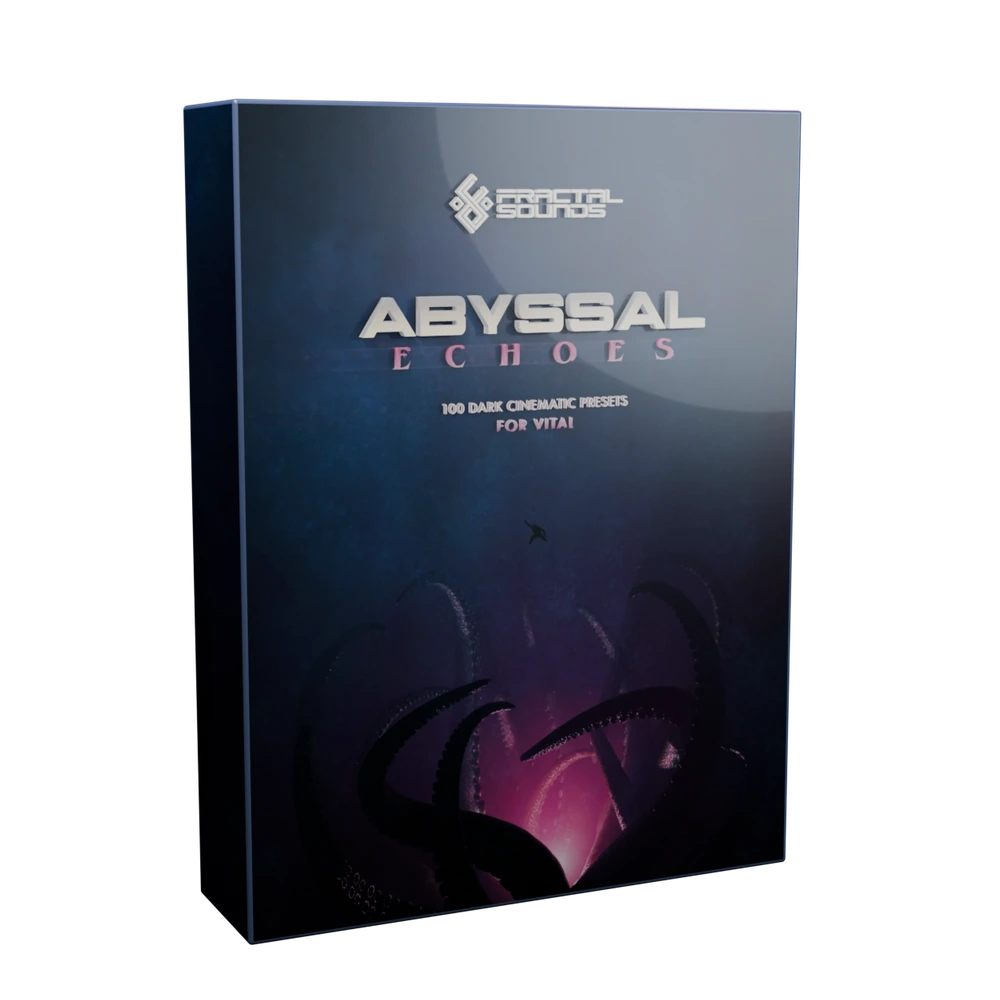
Abyssal Echoes contains 100 Vital presets: 45 atmospheres, 25 pads, 14 sequences, 7 monsters, 5 FX and 4 basses. Dark cinematic describes their character. In the livestream, Black Marvin also discusses dark ambient, techno, psytrance and drum and bass as possible contexts for the sounds.
The session lasts 1 hour and 40 minutes. Its first part explores the bank, while the later section turns selected sounds into an arrangement with additional tools. That distinction is useful when listening: the bank supplies the Vital patches, while the finished groove also includes separate effects, samples, a kick and a Pigments vocal bank.
Choose a pad, atmosphere or monster by its role
The opening monsters are the more unusual, creature-like events. The pads that follow are often dense enough to work from one note, with some deliberate dissonance. Black Marvin avoids stacking chords during much of that walkthrough so the individual sound remains clear. Around 29:10, he explains that the atmospheres move further toward abstract texture and environmental noise than the more sustained pads.
For a tense scene, try a pad as the tonal mass and audition an atmosphere only if another layer adds something useful. For an isolated event, explore a monster or an impact. Let each sound evolve before layering it: adding several dense presets at once can obscure the detail that made the first one interesting.
Use register and EQ to make room
At 16:50, Black Marvin points out that the patches sound low even around the middle register of his keyboard setup. The deep character is part of the design. Higher notes can reveal a more open result, so do not assume a sound labelled as a dark pad must be played at the bottom of the keyboard.
Later, around 1:14:42, the stream explains why dense presets still need to be judged against the arrangement. Their frequency balance changes with pitch, and a saved EQ cannot solve every combination of notes and layers. In the session, a sequence loses some low content to leave room for the existing bass. Choose the register first, then adjust the frequencies that actually conflict.
Reveal a close texture inside a spacious atmosphere
Around 23:08, Black Marvin describes macros that alter a sound or introduce another layer instead of always assigning one to reverb and another to delay. The effects remain editable separately. With Clickety around 29:49, removing reverb reveals a more upfront texture underneath the spacious atmosphere.
At 31:46, a viewer suggests using that patch for glitchy percussion. The stream explores the idea with external Multipass and Infiltrator processing. You can take the same creative direction by recording a dry passage, identifying useful attacks and arranging them as audio. The processing examples extend the bank; the external plugins and Sludge presets are separate products.
Capture the impact you want to keep
The FX walkthrough begins around 38:02. These sounds largely work as impacts, but the Random Impacts example also demonstrates why identical MIDI can produce different results. Sample random phase changes where the audio source begins, and that source feeds frequency modulation of an oscillator.
When a particular hit works, record or freeze it to audio before building an arrangement around it. That preserves the selected variation. Skeleton Hippo then shows another use for an impact: a rhythmic element whose delay contributes to a groove. Compare the initial hit with its repeats before deciding whether the rhythm should come from MIDI, delay or edited audio.
Understand the movement behind the macros
Around 54:50, the stream checks clicks caused by releasing a demonstrated sound too quickly. Holding the note longer avoids the issue in that example, while the envelope decay offers a way to shape a shorter event. MIDI length is part of the sound design, not just a visual detail in the piano roll.
The following macro explanation shows a complex sample modulating a simple sine wave. Increasing the Dirt control increases sample FM in that patch. Other controls explore unison, reverb and flanging. Use those examples to understand the relationship between source and result, while checking each preset's actual assignments before applying the same edit elsewhere.
Play the cinematic bass rhythm your way
The four basses appear around 59:51. Black Marvin describes them as cinematic basses rather than dedicated rolling psytrance patches. They use built-in movement and, in the examples discussed, Prophecy waveform sources contribute to the character. Source material used by the patches does not make the standalone Prophecy library part of this purchase.
At 1:08:42, the stream compares a held note with a rhythm made from shorter notes. Holding the key lets the preset's internal movement unfold; retriggering it gives a different rhythmic result. Try both against the kick before adding a second bass layer. The 14 sequence presets provide another source of movement, with EQ adjusted where the arrangement needs space.
Turn sustained darkness into a rhythmic layer
The arrangement section adds an atmosphere, then external sidechain processing around the kick. At 1:26:11, Black Marvin introduces gating to give that sustained texture a sharper rhythmic shape. He discusses this as a way to bring cinematic material into electronic styles such as techno, psytrance and drum and bass.
Start with an atmosphere that already suits the track. Choose a simple gate pattern, then hear how it interacts with the existing drums before making it busier. If the kick needs space, treat ducking as a separate decision. Near the end, Shamanic Voices adds another layer, while Vapor Voices is briefly introduced as a different vocal option. Neither Pigments bank is included in Abyssal Echoes.
Bring the source material into Vital
Abyssal Echoes requires Vital 1.5.5 or higher, with the synthesizer installed separately. The custom audio and wavetables travel with the presets and are imported with the bank, so no separate source library is required. The product page offers the full overview and a shorter preset demo for listening before purchase.
For a first session, choose one atmospheric sound and one rhythmic candidate. Explore their register, note lengths and dry effects settings before adding more processing. The FAQ expands on these choices with answers about monster sounds, randomized impacts, sample FM, low-frequency balance and what the livestream's arrangement actually includes.
Bring Abyssal Echoes into your session.
Explore the presets behind the guide, with current product details and listening examples.