

Production guide
Granular psytrance on MicroFreak: Mycological leads, grids and pressure control
Explore the complete Mycological MicroFreak session: Dragonfly textures, FM Flares, Grid Seeds, Orbital, random grain scanning and expressive pressure control.
Inside the bank
Watch on YouTube (opens in a new tab)Video by Black Marvin Published
The video demonstrates four of the collection's 18 categories on MicroFreak. Valhalla Supermassive and the separate Fractal Massive effect presets are additional processing, not part of the Mycological source library.
Four folders, several ways to shape the same material
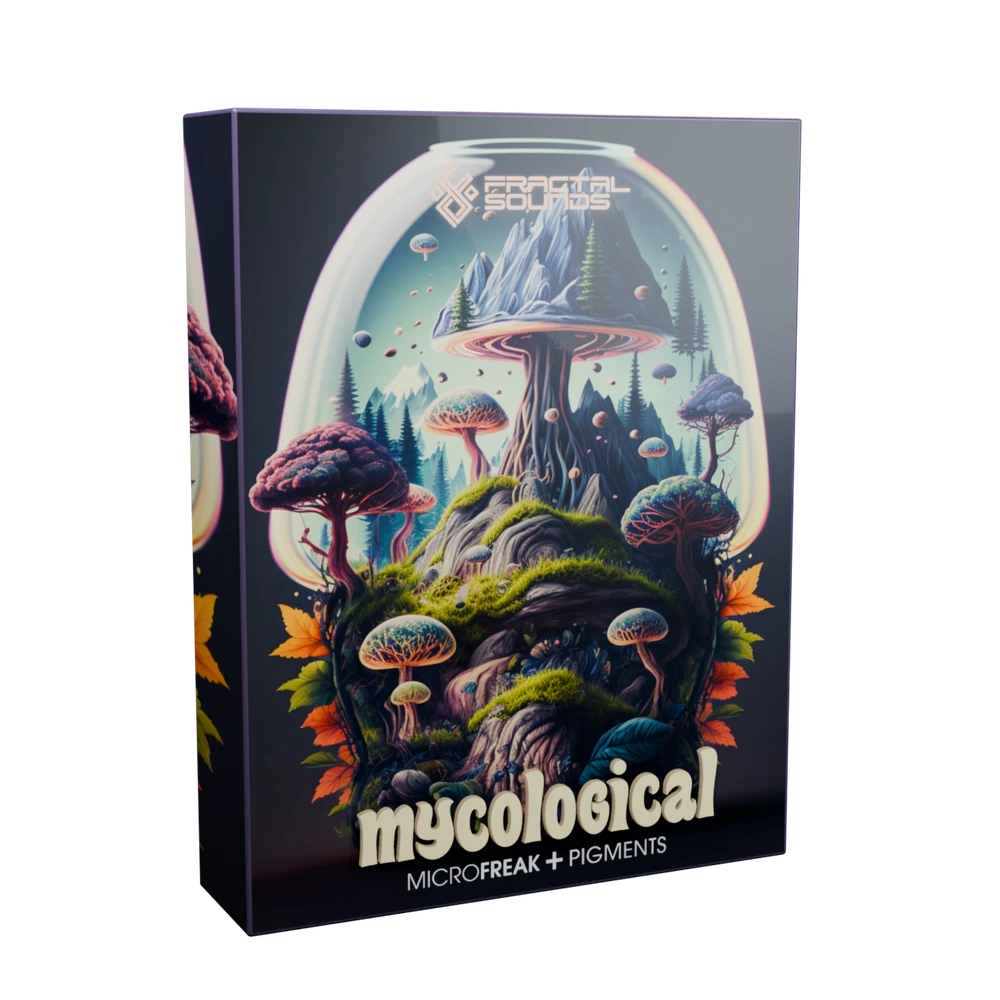
Mycological for MicroFreak and Pigments contains 200 WAV sources across 18 categories and 18 prepared hardware sample banks. The complete video concentrates on four groups: Dragonfly, FM Flares, Grid Seeds and Orbital. Their contrasting behaviour makes a useful introduction to choosing a source by the musical role you want.
These are recordings for building patches. Black Marvin creates the engine choices, modulation and filter settings during the session, then sometimes adds external delay or reverb. Distinguishing those stages makes it easier to hear what the source contributes before recreating or adapting the surrounding patch.
Use Dragonfly to compare a texture and a gesture
At 0:58, Dragonfly is introduced as expressive material for soundscapes or more percussive uses. The first example runs through Scan Grains, then gains a pressure-to-cutoff assignment. Opening the filter from the keyboard turns a saved source into something the player can articulate directly.
The walkthrough adds Supermassive, later bypasses it and tries another source and engine. Make the same distinction when auditioning: hear the raw hardware first, then add space if it supports the part. A spacious texture and a shorter rhythmic gesture can begin with related source material.
Combine pressure with controlled randomness
Around 4:15, a sample-and-hold LFO modulates Wave in the granular setup, moving through different positions in the source. The technique returns later, but it serves a different purpose from pressure control: the LFO supplies changing selections while the player can still shape another dimension of the sound.
At 9:45, the FM Flares example assigns pressure to Timbre to change the granular speed behaviour in that setup. Try one assignment at a time and listen to what the selected oscillator actually does. MicroFreak's controls depend on the active engine, so a parameter gesture demonstrated in one mode should not be assumed to behave identically in another.
Shape FM Flares into a lead or rhythmic part
The FM Flares section begins around 6:29. The sources originate in FM synthesis but are explored here as granular audio. Band-pass filtering and octave choice help reveal a useful lead character, while comparing Scan Grains and Cloud Grains produces different textures from the same recording.
At 10:27, the arpeggiator over one octave creates a gate-like articulation before a wider range is explored. Black Marvin then keeps a successful setup and swaps the source. This is a practical way to build variations: preserve the engine and modulation idea, hear related recordings through it and make small adjustments for the one you choose.
Let Grid Seeds supply the complexity
At 13:39, Grid Seeds is presented as the most abstract and noise-like material in the demonstration. The discussion connects it with percussive grids, industrial techno stabs and aggressive bass-music textures. Drier playback and filter movement reveal a different role from a deep, reverberant soundscape.
The important editing decision is restraint. During this section, Black Marvin points out that the source already contains substantial activity and does not always need another position modulator. Start with the recording and filter. Add randomness only if it creates useful motion instead of obscuring the texture that attracted you to the source.
Change Orbital's register before replacing the source
Orbital begins around 19:14 with a description of strong pitch, level and filter movement. The examples compare Scan Grains, Hit Grains and Cloud Grains, with different filter choices and the recurring random-position technique. Some results are thick and animated even before additional spatial processing.
Around 23:37, the same exploration moves from low, almost robotic tones to higher buzzing sounds. Later examples return to lower registers and another filter mode. Try this register comparison with a short, familiar phrase: it can reveal a different role for the current source before you begin a new patch from scratch.
Separate the source library from the effects chain
Valhalla Supermassive appears throughout the session with separate Fractal Massive presets. The bypass comparisons are useful because they expose how much of the result is the hardware texture and how much is the surrounding delay or reverb. Mycological supplies the source collection, not those extra effect plugins and presets.
The closing discussion also notes that related source material sounds different in MicroFreak, Pigments and Phase Plant. Each engine and processing environment changes the result. Shared recordings give you related starting material, not a guarantee that a hardware performance can be reproduced by loading the file into another synthesizer unchanged.
Choose the sample workflow for your instrument
MicroFreak needs firmware 5.0 or later for the sample and granular engines. Use MIDI Control Center's Samples area for the prepared banks. Back up existing samples first: sending a complete bank replaces them. Arturia's linked instructions explain the available transfer options.
For Pigments, use the included 200 WAV files in its sample and granular workflow; owning MicroFreak is not required. A separate Phase Plant edition provides 200 FLAC sources. Choose the edition and format that match your setup, then build the envelopes, filtering and modulation around the source you want to explore.
Bring Mycological into your session.
Explore the presets behind the guide, with current product details and listening examples.