
Production guide
Diffraction: 30 free Snap Heap effects for filtering, texture and sound shaping
Get started with Diffraction's free Snap Heap presets: 5 exciters, 13 filters, 6 textures and 6 utilities for DAW processing or use inside Phase Plant.
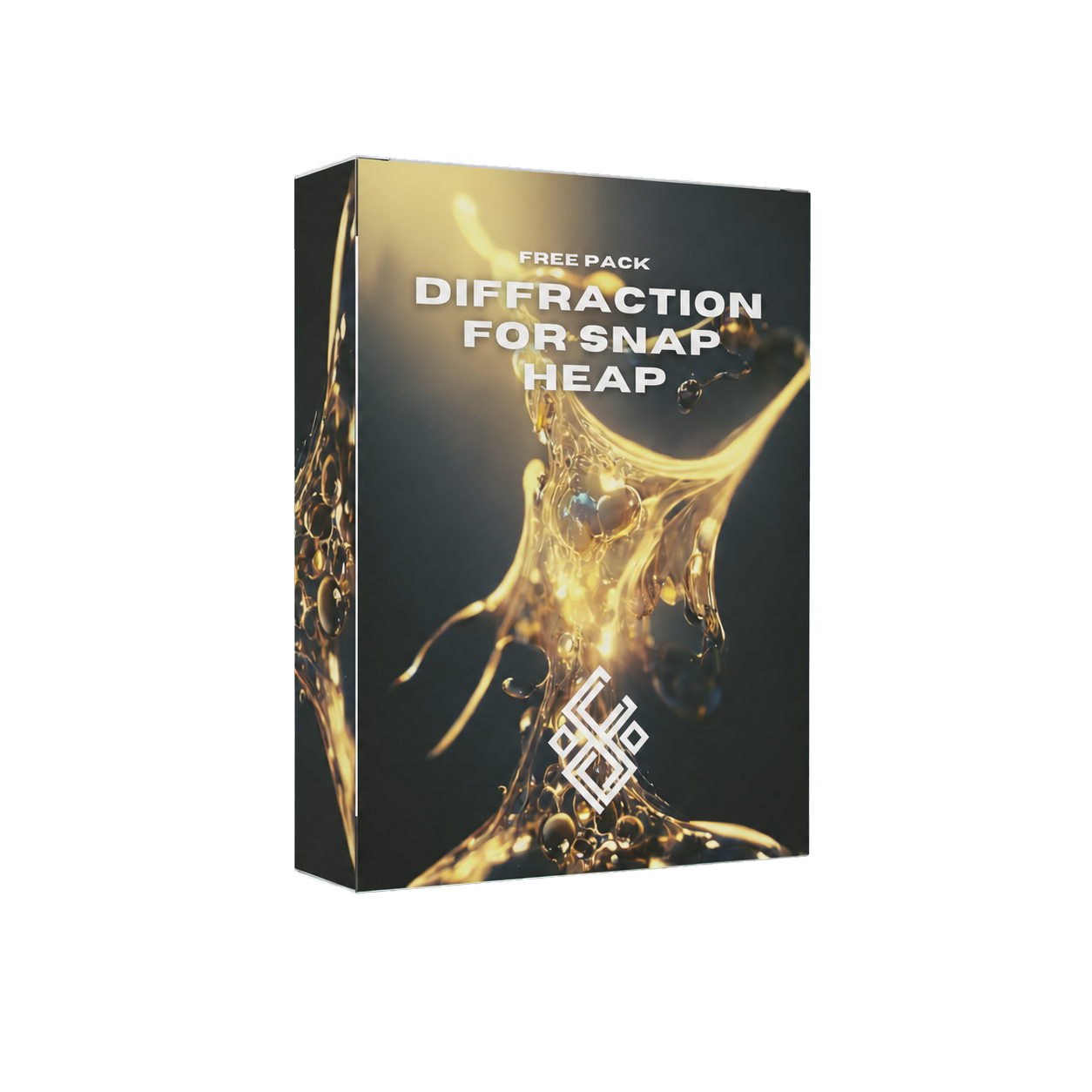
What is included in Diffraction?
Diffraction contains 30 Kilohearts Snap Heap effects presets organized into four groups: five exciters, 13 filters, six textures and six utilities. The collection supplies prepared processing chains to explore with your own audio. It does not generate a complete instrument sound without an incoming signal.
Choose a category according to the change you need. Start with an exciter when exploring added presence or character, a filter for spectral shaping, a texture for a more pronounced transformation, or a utility for another practical processing role. The names guide exploration; the exact response depends on the preset and source.
Do I need Phase Plant, or can I use Snap Heap in my DAW?
Snap Heap is the required host for these preset files. It can run as an effect in a DAW, so you can process audio from a sampler, another synth or an audio track. It can also run as a nested Snapin inside Phase Plant for a synth-patch workflow.
Phase Plant is therefore relevant to the nested setup, rather than a universal requirement for processing a track with Snap Heap. The free pack does not include either host license. Install and authorize the software you intend to use before adding the bank.
How do I install the Diffraction presets?
Extract the download and open Snap Heap's preset browser. Use Add Location to point the browser to the extracted preset folder, or use the User location documented by Kilohearts. Select one preset and feed audio through the effect to confirm that it is working.
Inside Phase Plant, browse from the nested Snap Heap instance. Phase Plant's main instrument browser is a different location for a different type of preset. If the collection is missing, check the folder contents and any search filters before moving files to guessed system directories.
Can I use the presets if I do not own every premium Snapin?
Kilohearts distinguishes using a saved preset from directly editing its premium effects. Its current Snap Heap explanation allows preset playback and macro use while restricting direct editing of unlicensed premium Snapins. The Snap Heap host requirement still applies.
Begin with the available preset controls. If you want to open and redesign a premium processor inside the chain, check the license for that processor separately. This avoids confusing a usable prepared effect with unrestricted ownership of every module it contains.
What sources should I try with the four categories?
A useful first exercise is to send the same short synth phrase through a preset from each group. Keep the MIDI and source fixed so you can hear what the chain contributes. Then try a percussion hit or a sustained tone to reveal how the response changes with different material.
Use these as starting exercises rather than claims that each preset is optimized for every source. A texture that sounds interesting alone may occupy too much room in a busy track. Save the versions that solve a specific musical problem, such as a more distinct accent or a contrasting layer.
How do I avoid making the processed sound too harsh or loud?
Compare bypassed and processed audio at a similar perceived level. More level can make a change seem more impressive even when it does not improve the part. Start with restrained control settings and listen to the most intense moment of any movement.
If the effect changes the sound too much, reduce its intensity or use a parallel blend where your setup supports it. Check that the original attack, bass relationship and phrase remain useful in the mix. The best amount is determined by the source and arrangement, not by the preset category alone.
How does Diffraction differ from Antidote?
Both are free Snap Heap collections, but their organization and emphasis differ. Diffraction spans exciters, filters, textures and utilities. Antidote concentrates on prepared filter systems, including morphing, flanging and custom filter shapes inspired by a particular sound-design workflow.
Choose Diffraction for a broader set of processing starting points and Antidote when expressive filter exploration is the immediate goal. Their files belong to Snap Heap, not to Multipass's preset browser or Phase Plant's main instrument-preset list.
How can I keep a useful effect variation for later projects?
Save your edited Snap Heap preset under a new name that describes the source or role you liked. If you built it inside Phase Plant, also save the instrument patch when you want to retain that complete context. A rendered audio version can preserve a particular performance or moment of movement.
Keep the original download alongside your own variations so you can return to the starting point. The Diffraction download page separates access to the free bank from the optional newsletter subscription.
Bring Diffraction into your session.
Get the free pack and follow the setup guidance above. Newsletter signup is optional.